HCI review
Design Principles
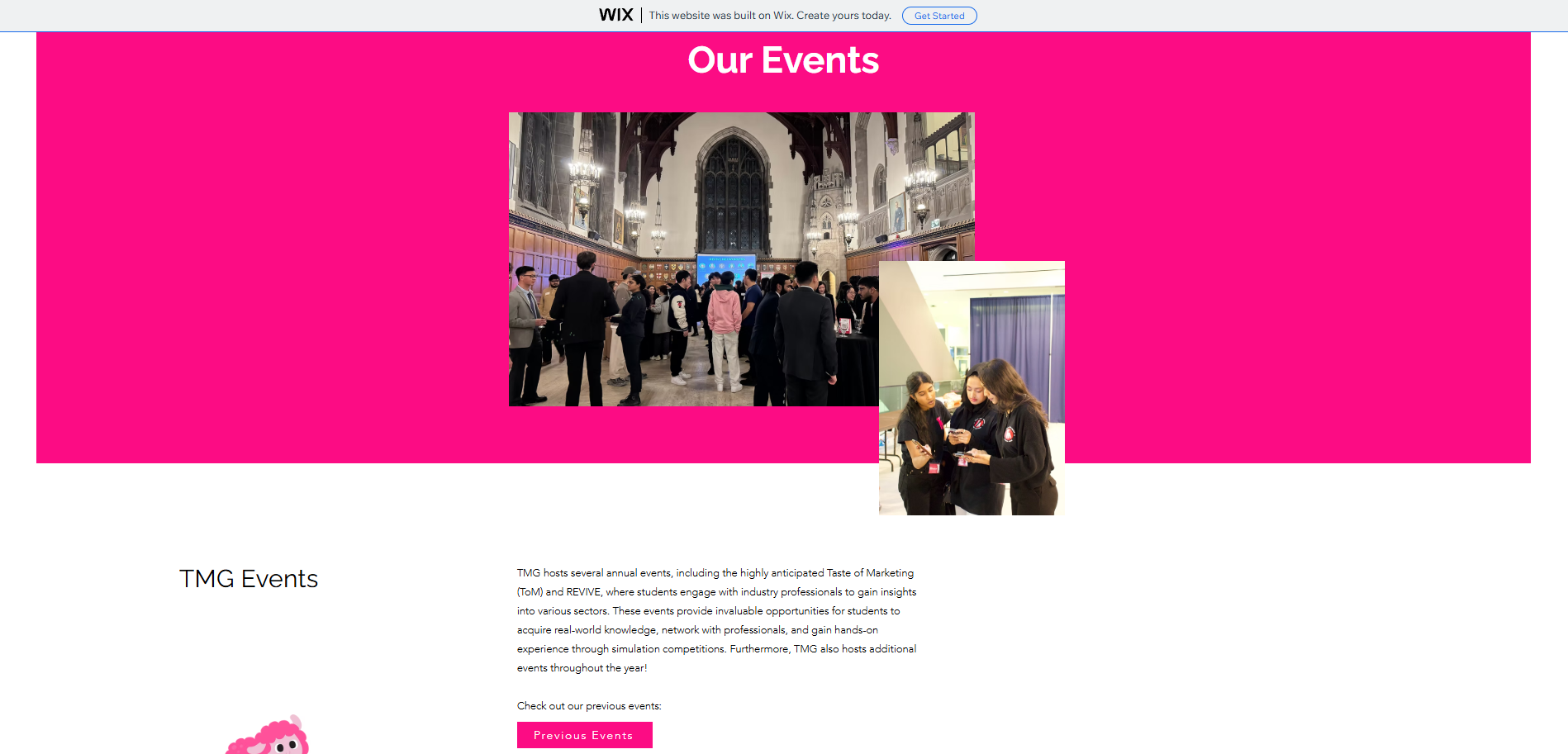
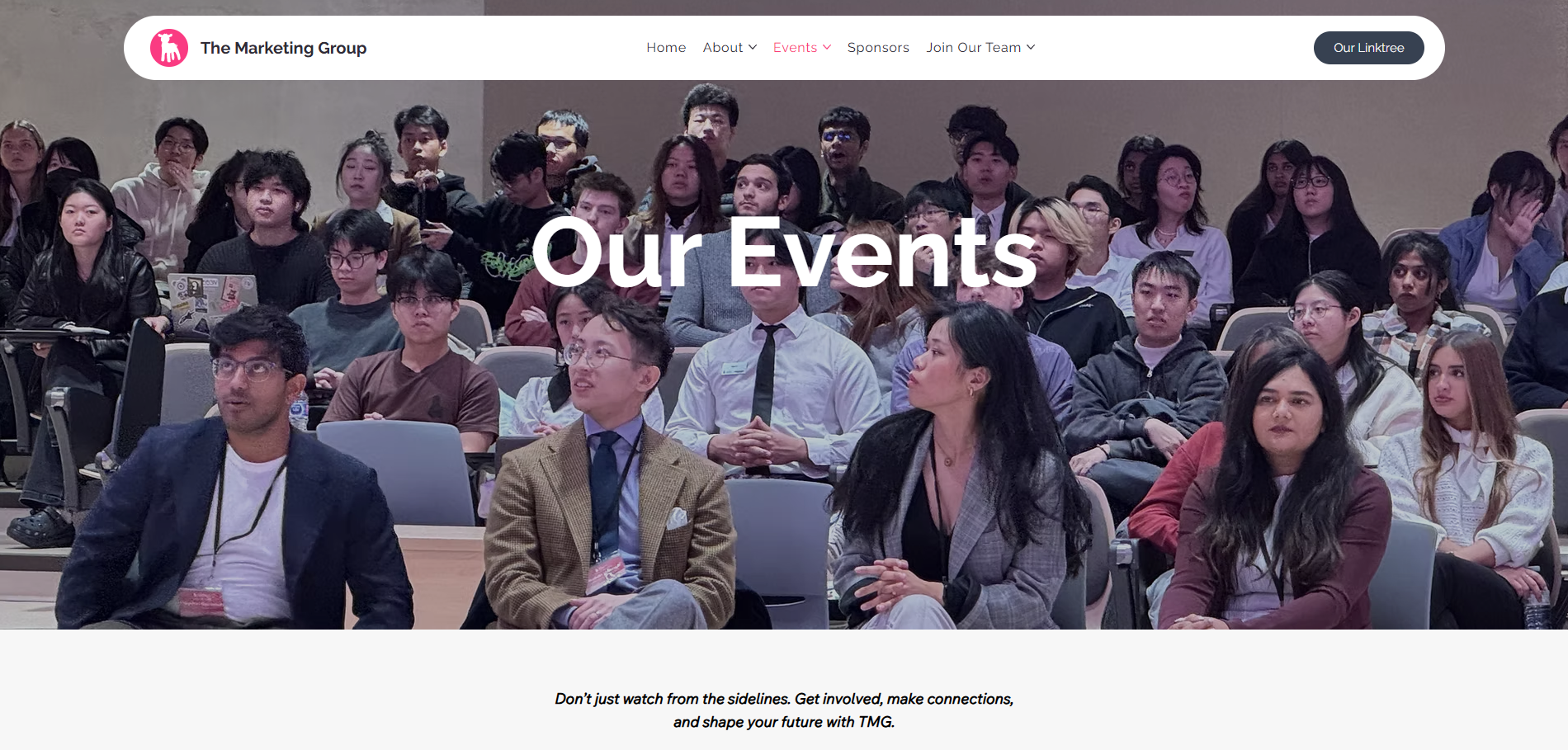
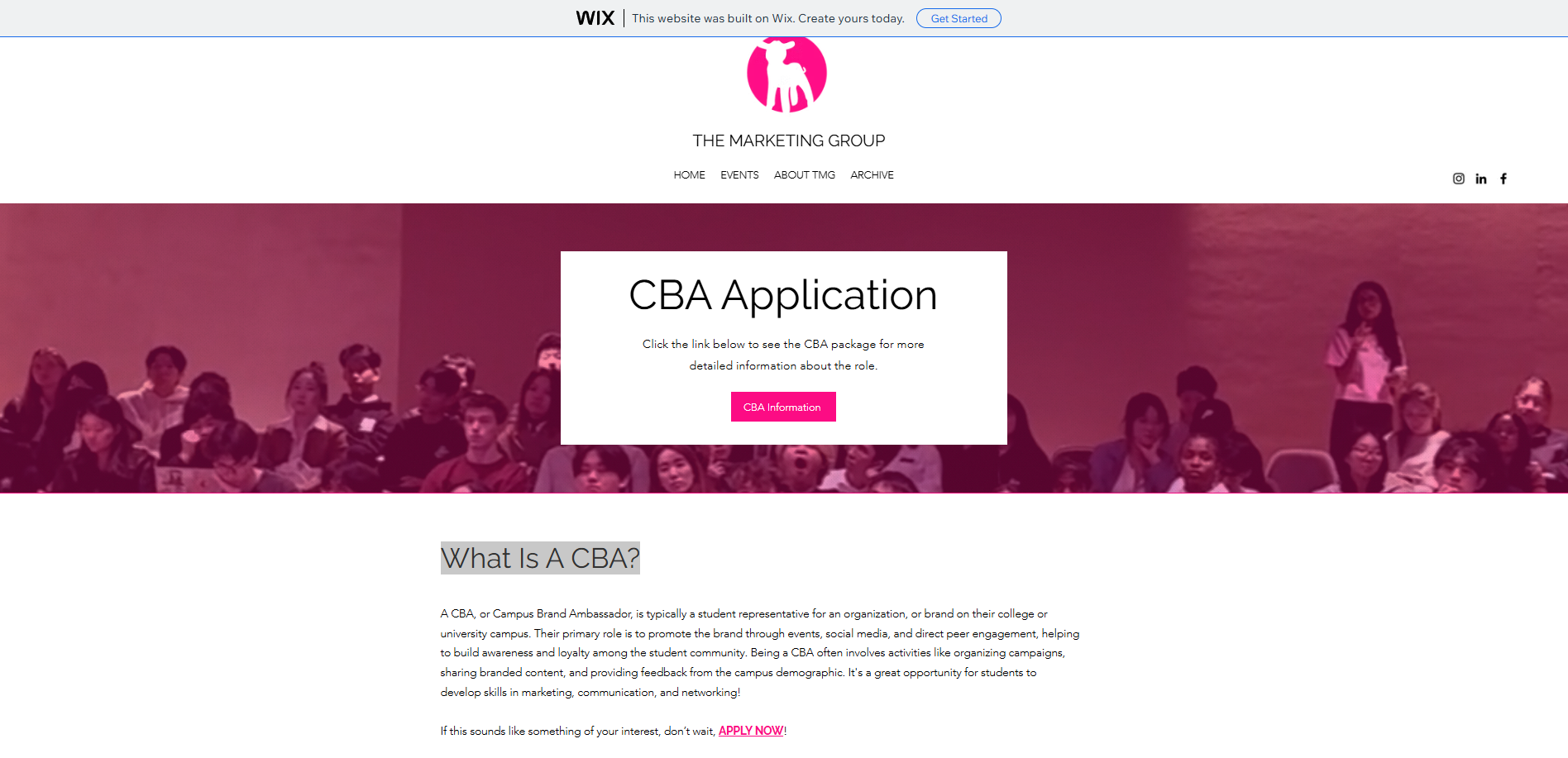
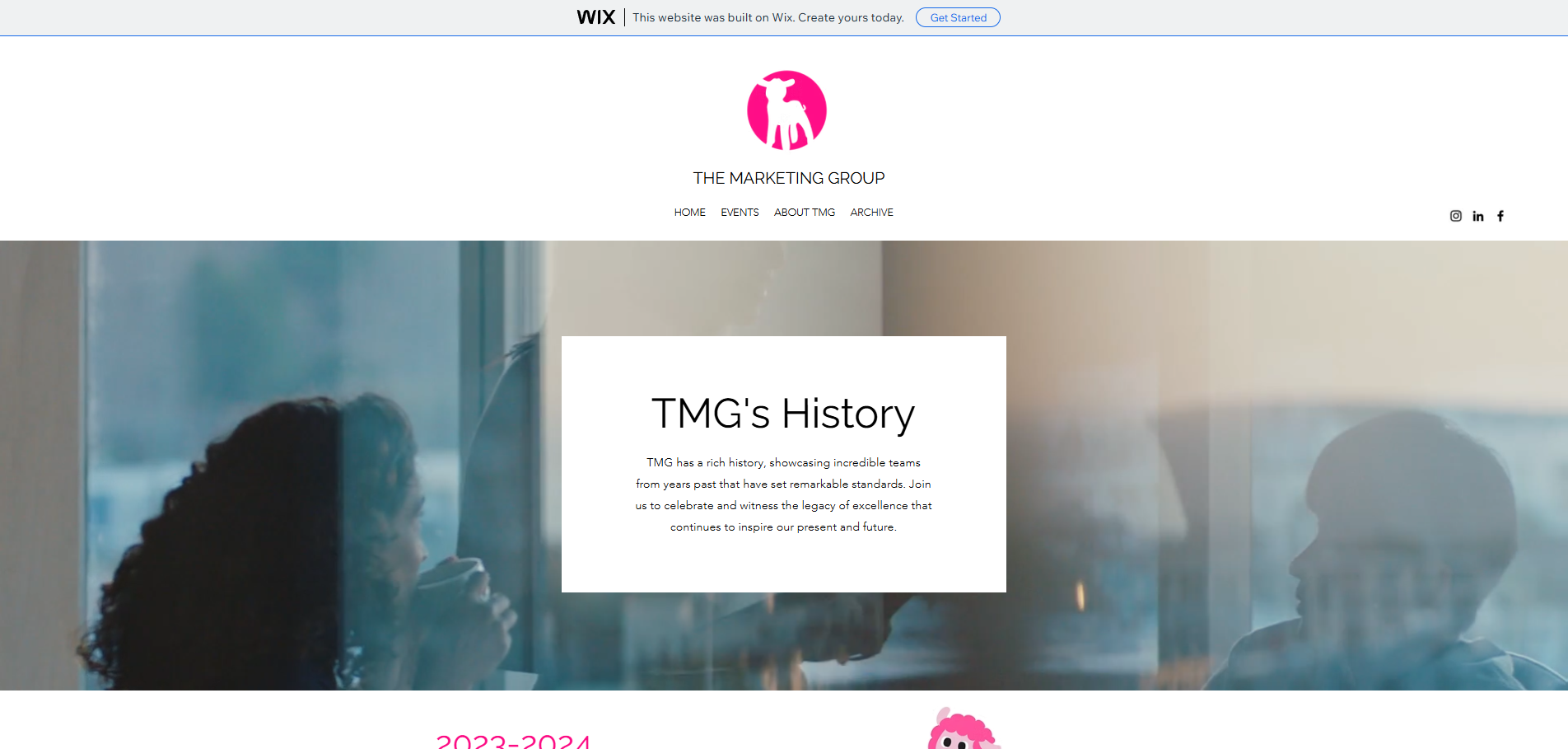
The redesign is strongest when framed as an HCI improvement, not only a visual refresh. The site now gives users clearer paths, better orientation, and less work to understand what to do next.
Recognition over Recall
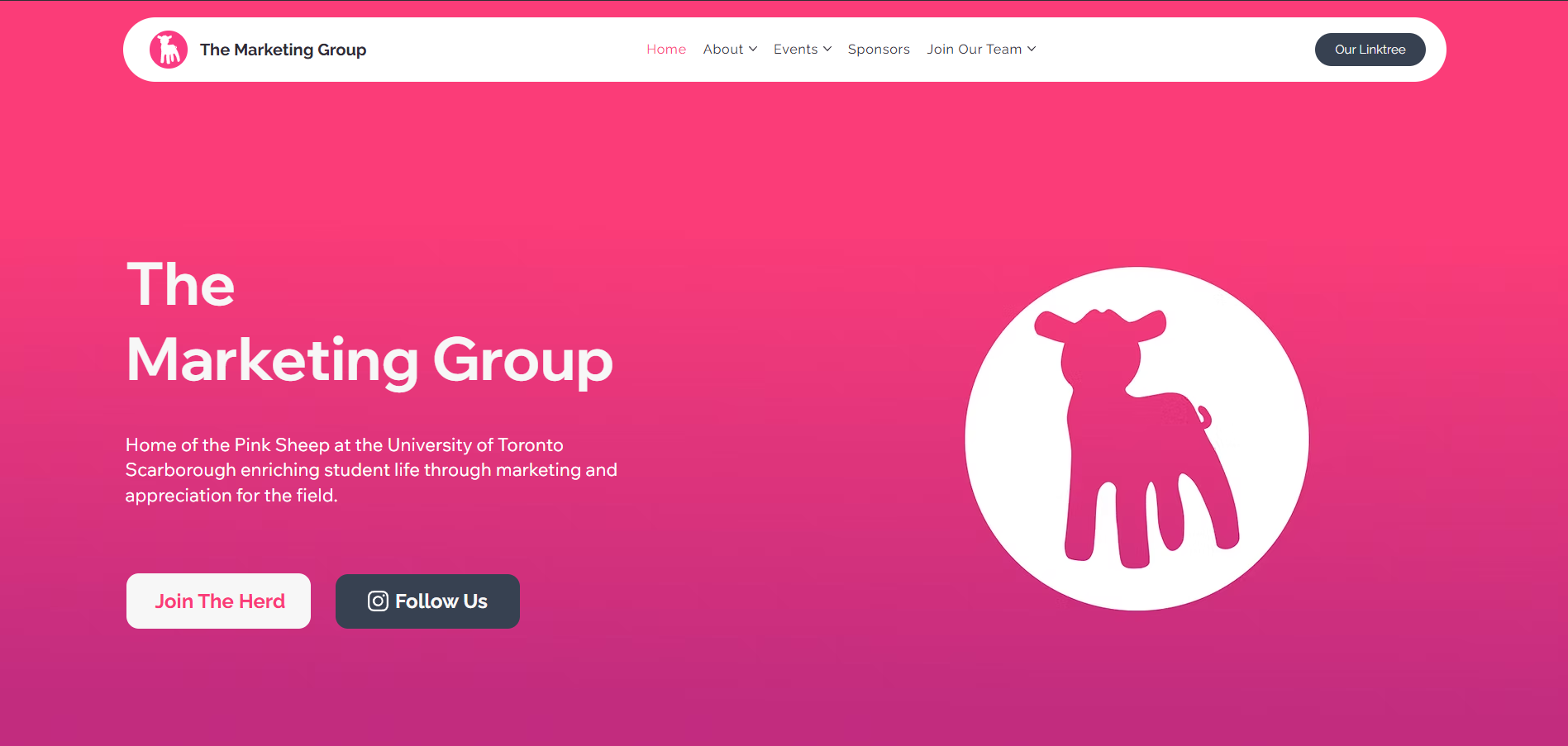
Navigation, event sections, and CTAs expose the main choices instead of making users hunt for them.
Consistency
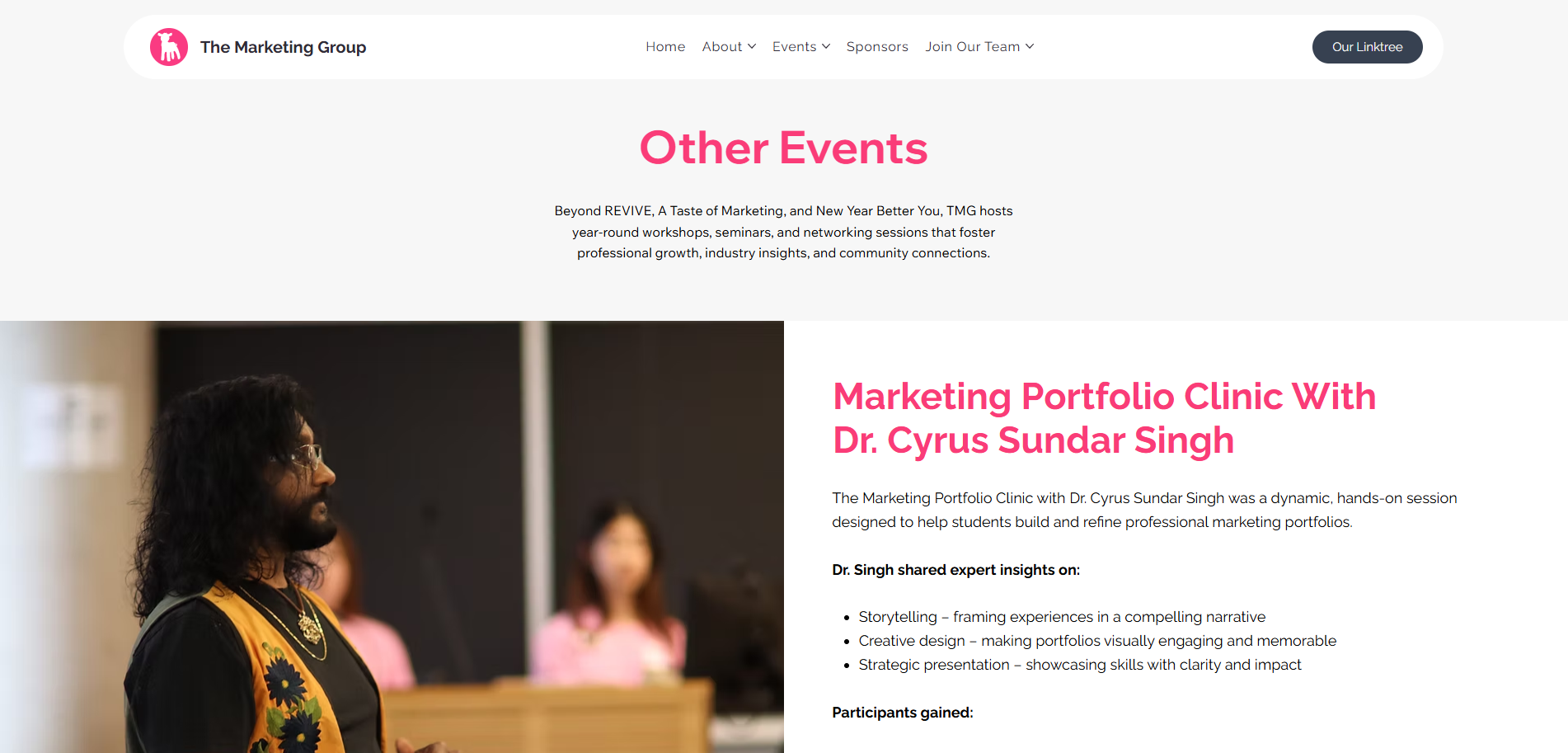
Repeated cards, buttons, headings, and footer links make the site easier to learn as users move through it.
Fitts's Law
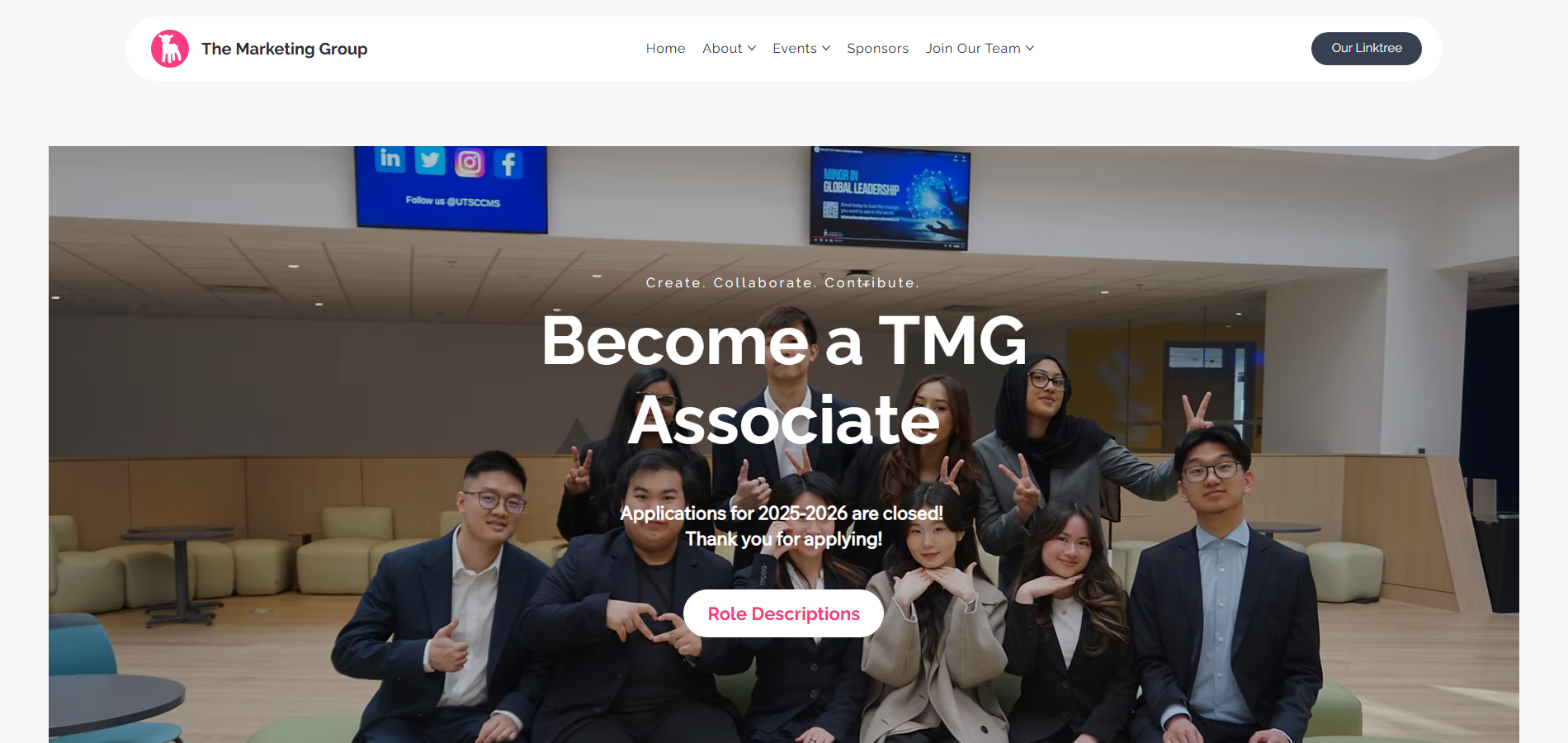
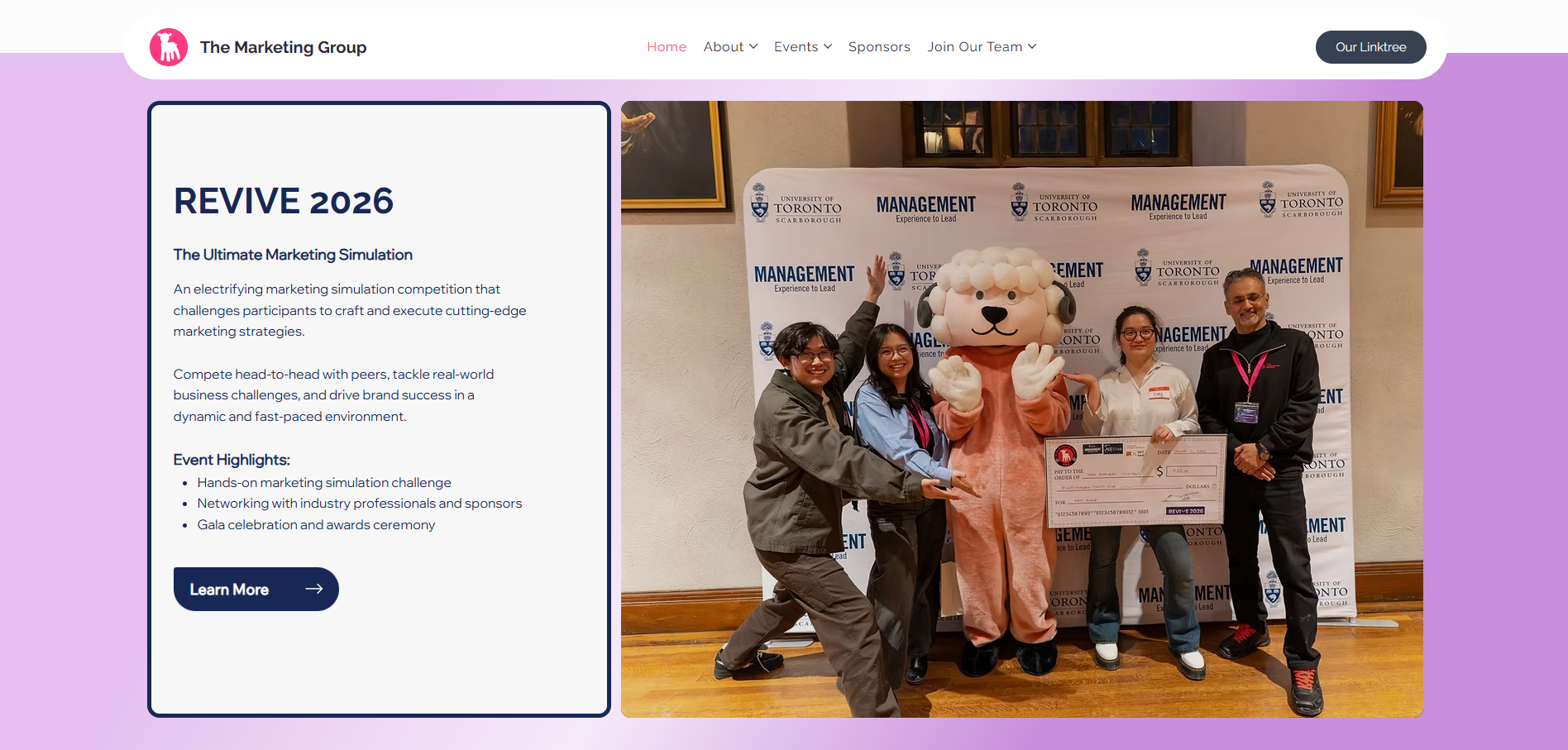
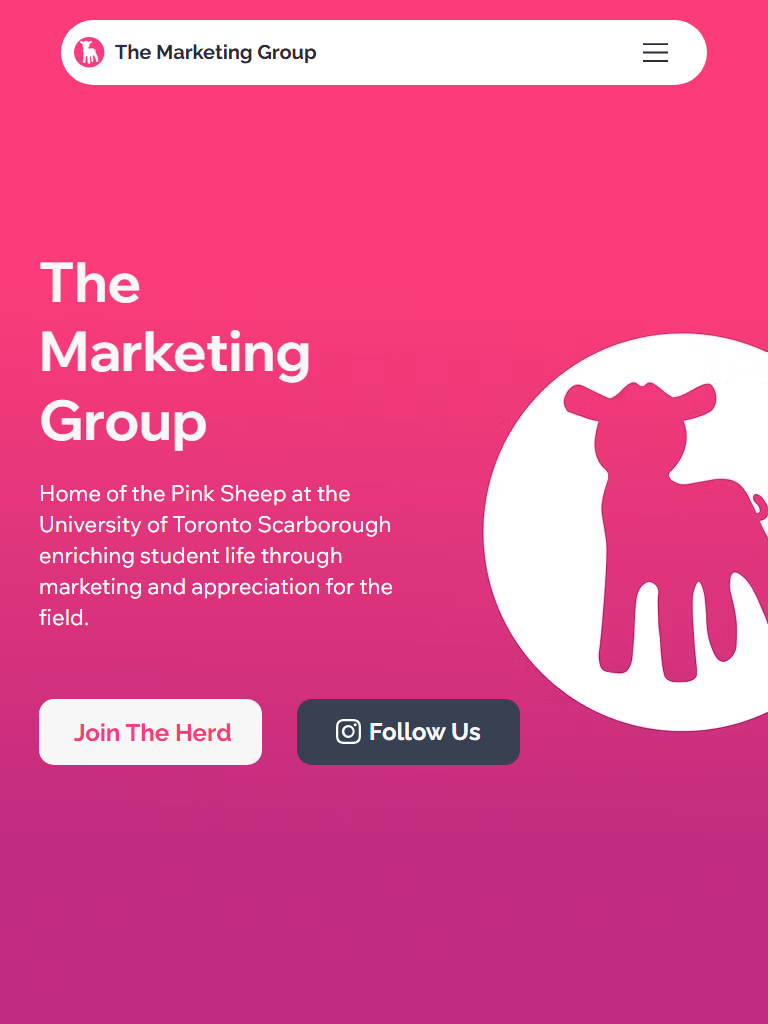
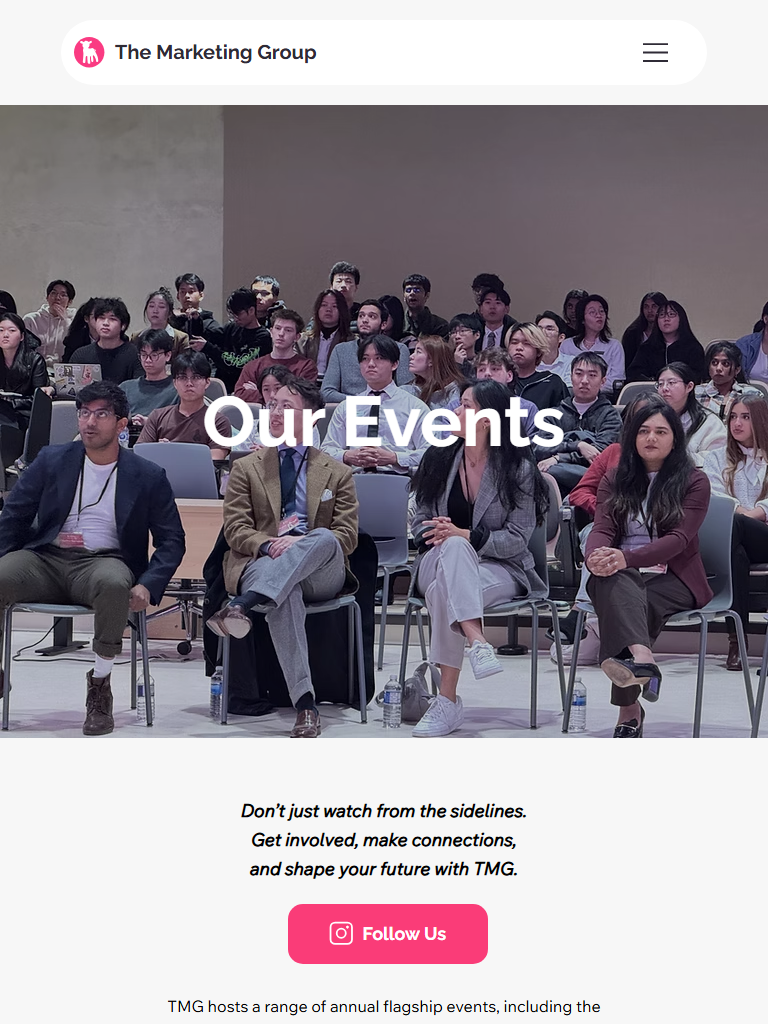
Large, high-contrast CTAs on desktop and mobile make the most important actions easier to target.
Gestalt Grouping
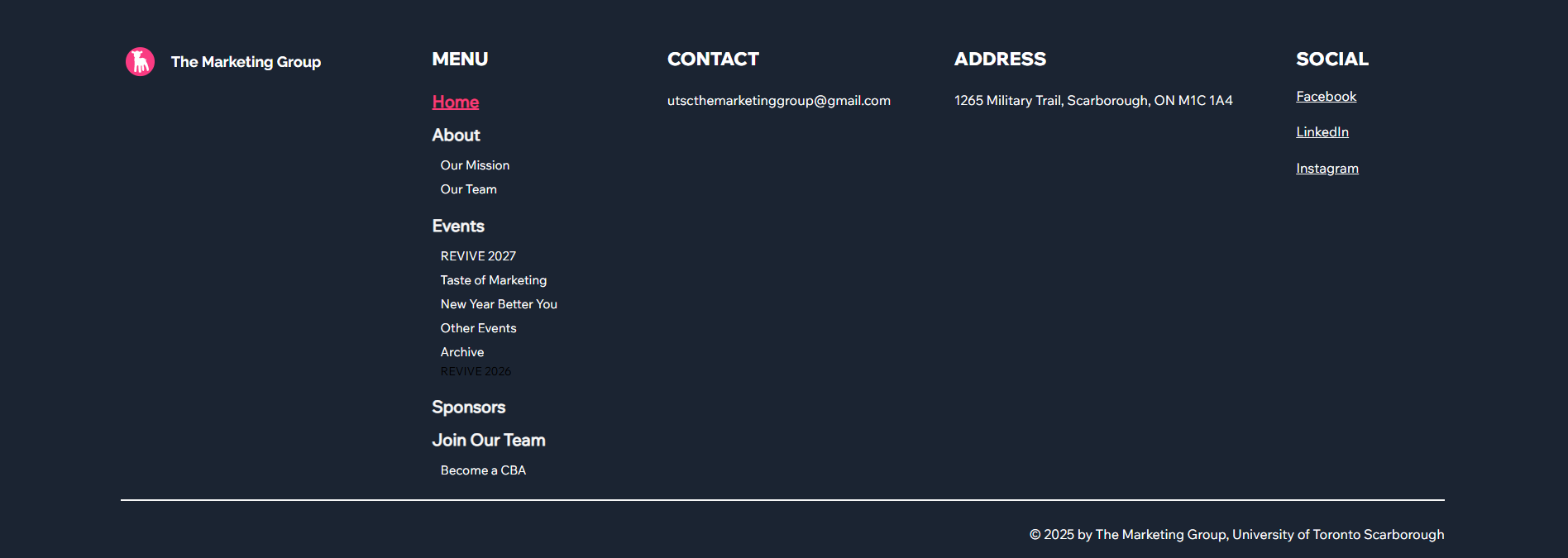
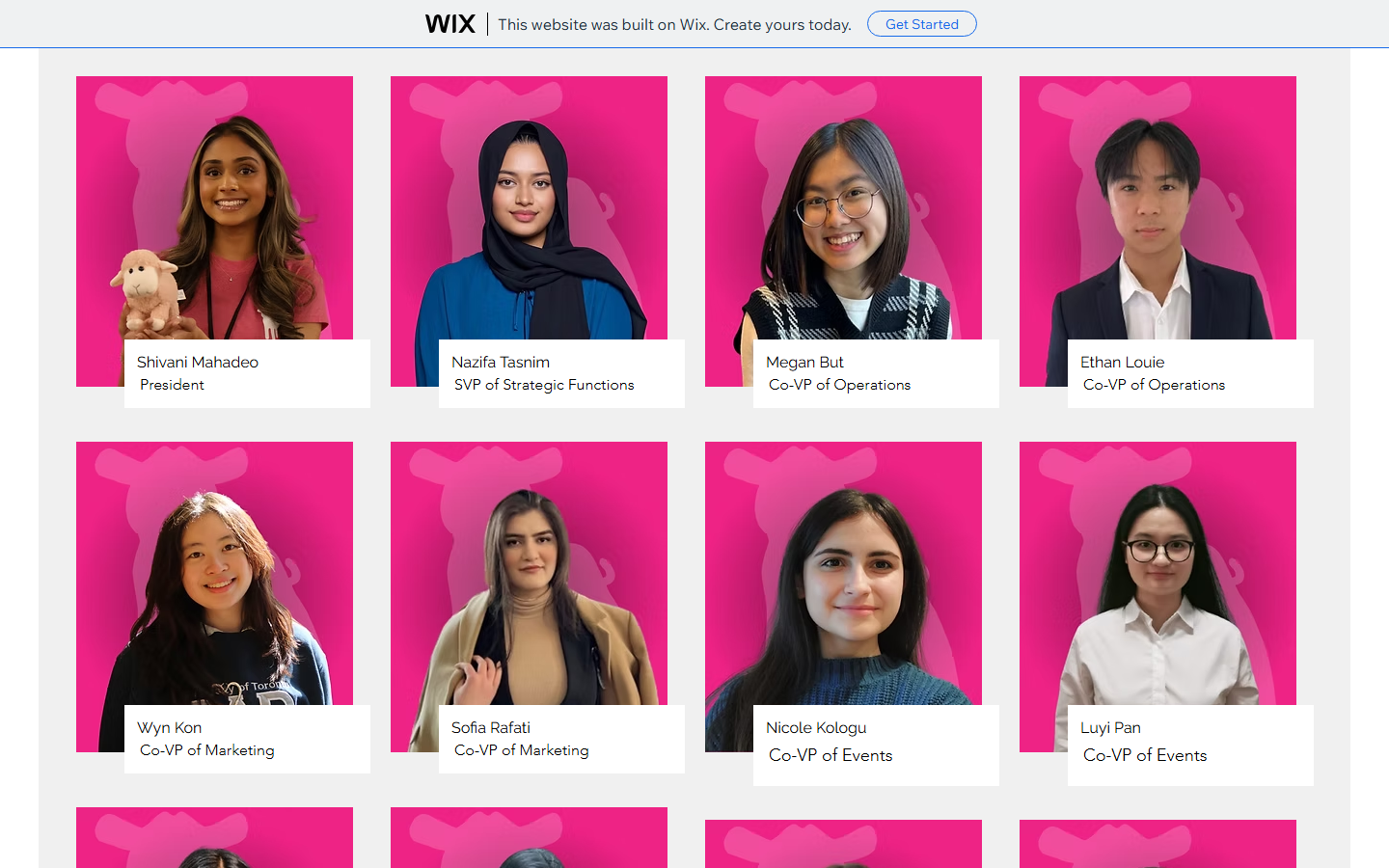
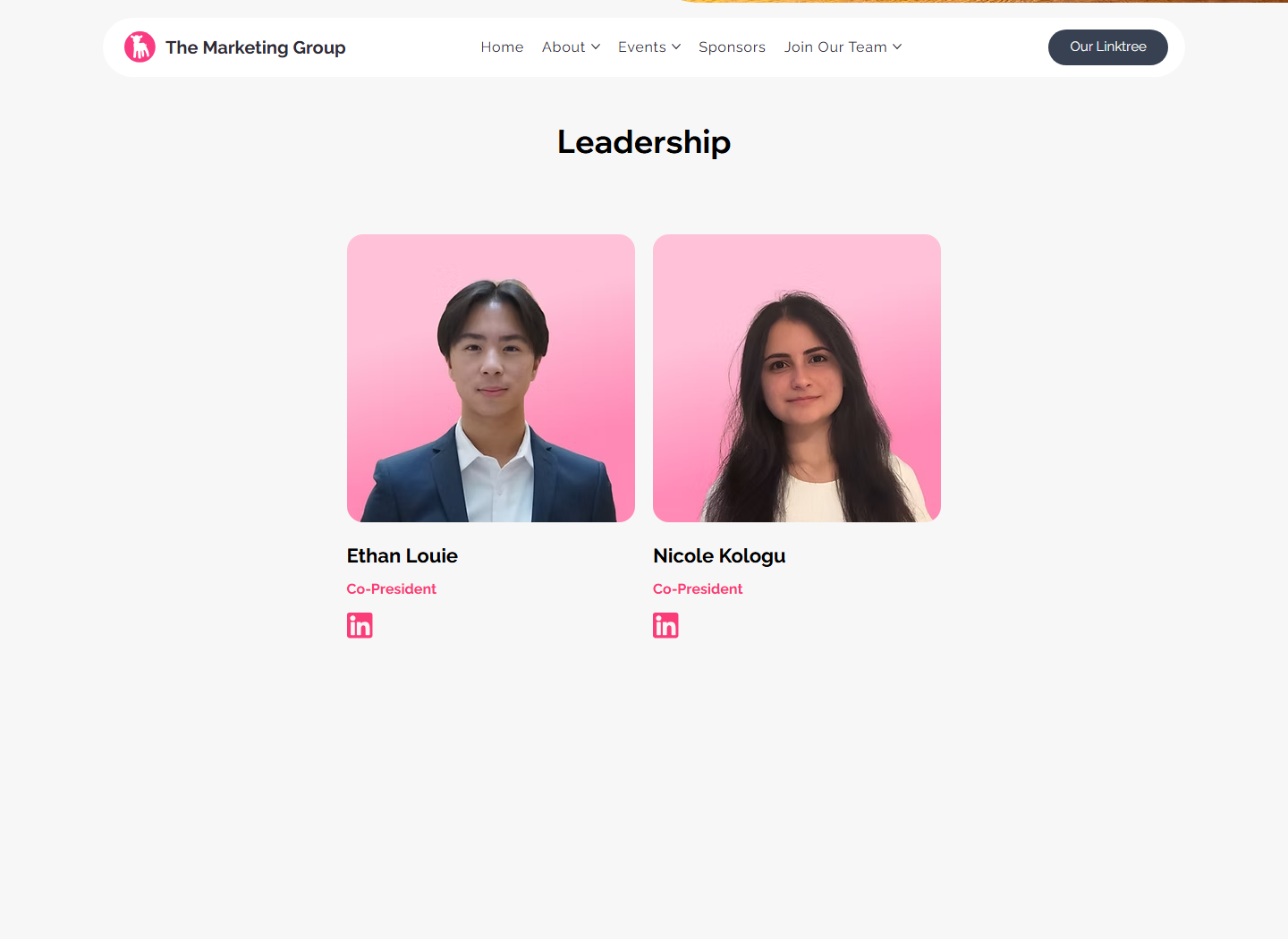
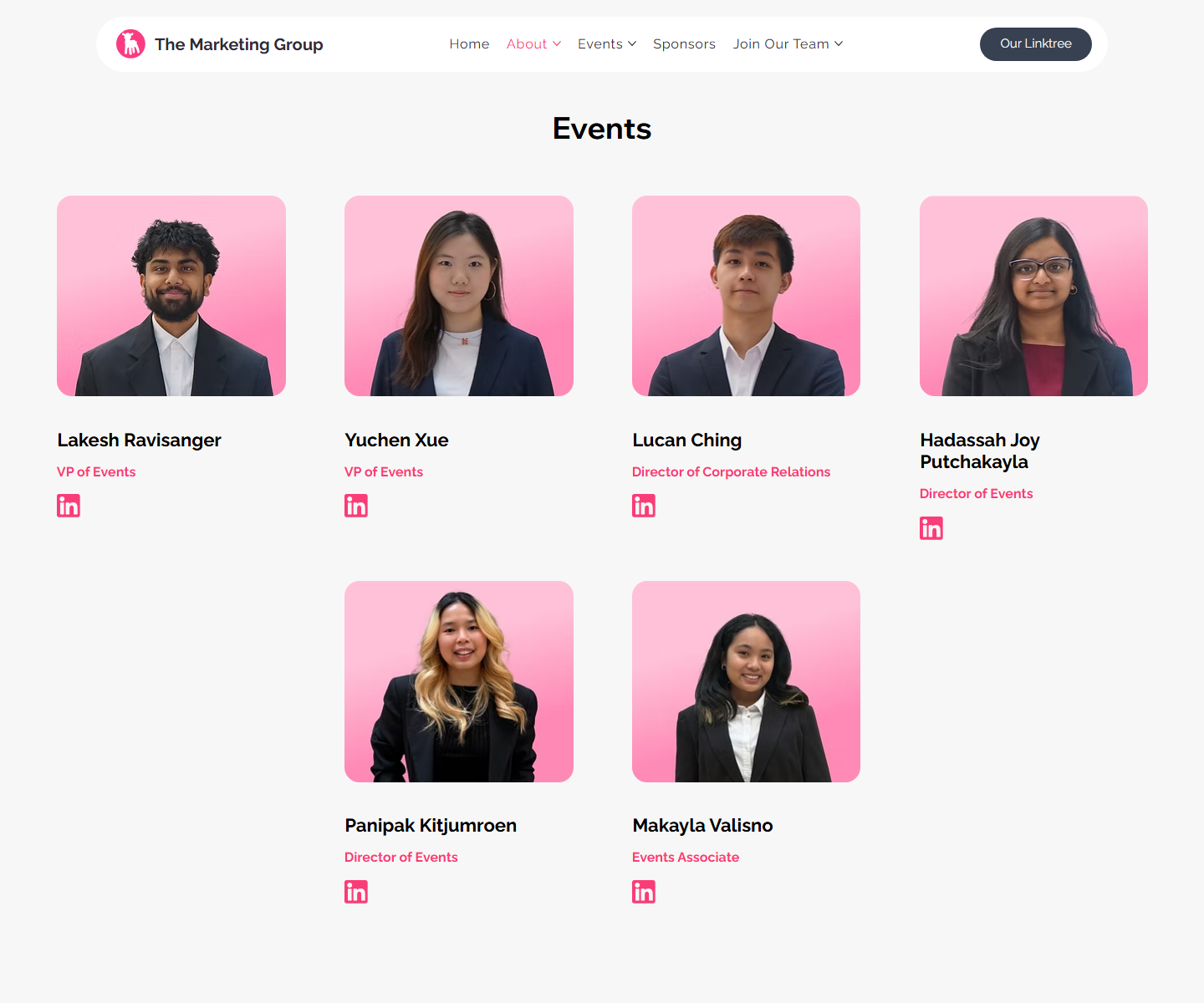
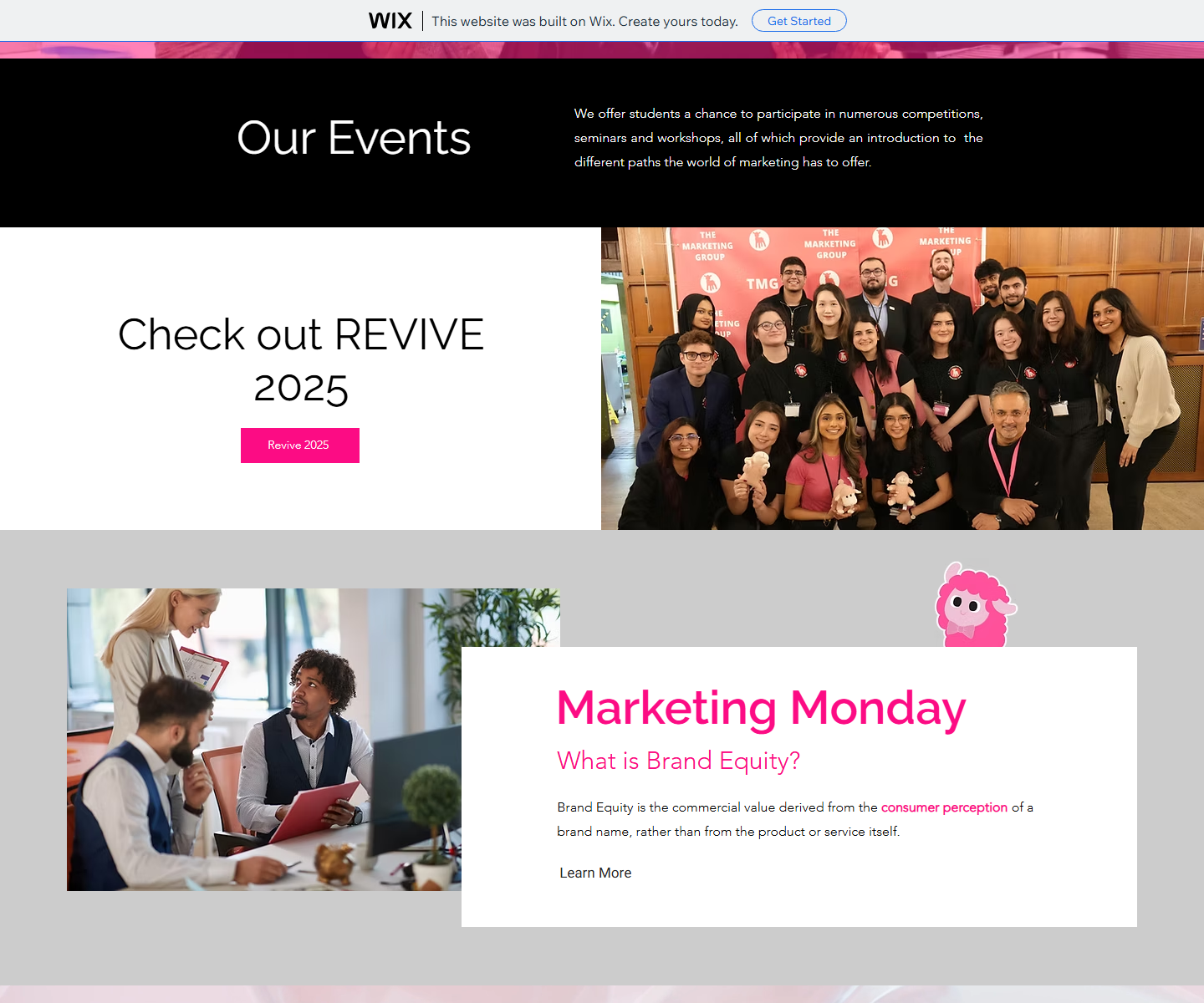
Related content is grouped into event cards, team sections, navigation categories, and footer columns.
Hick's Law
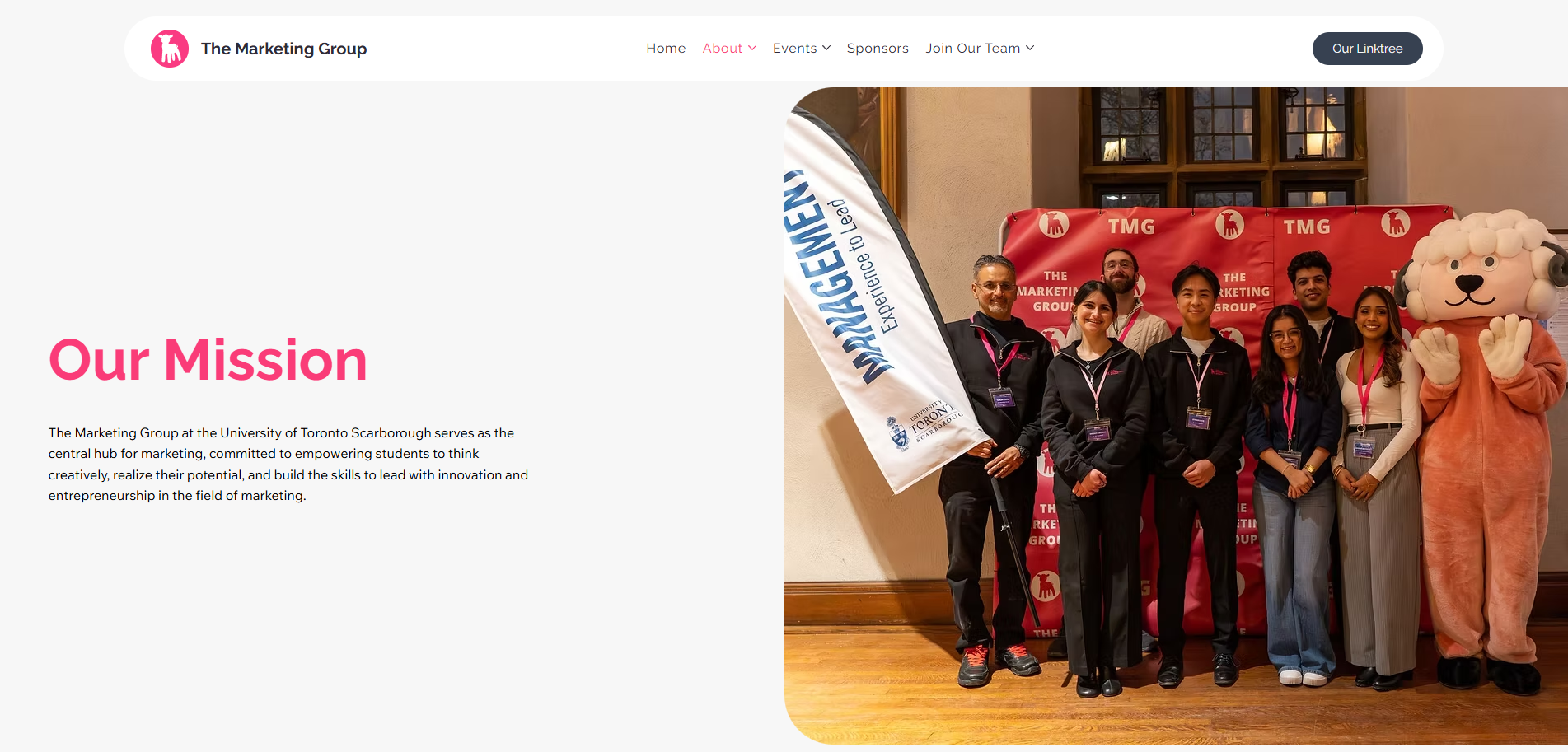
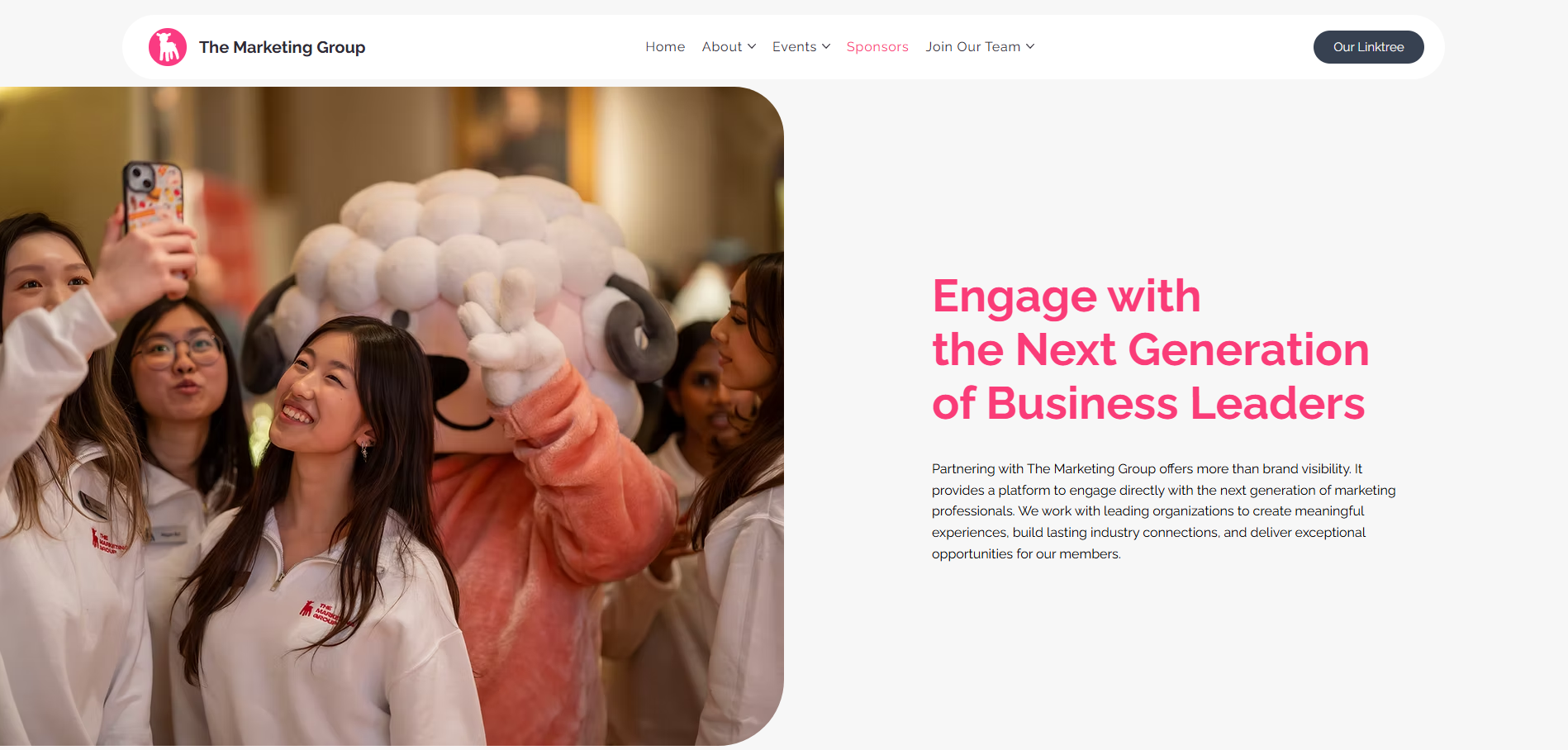
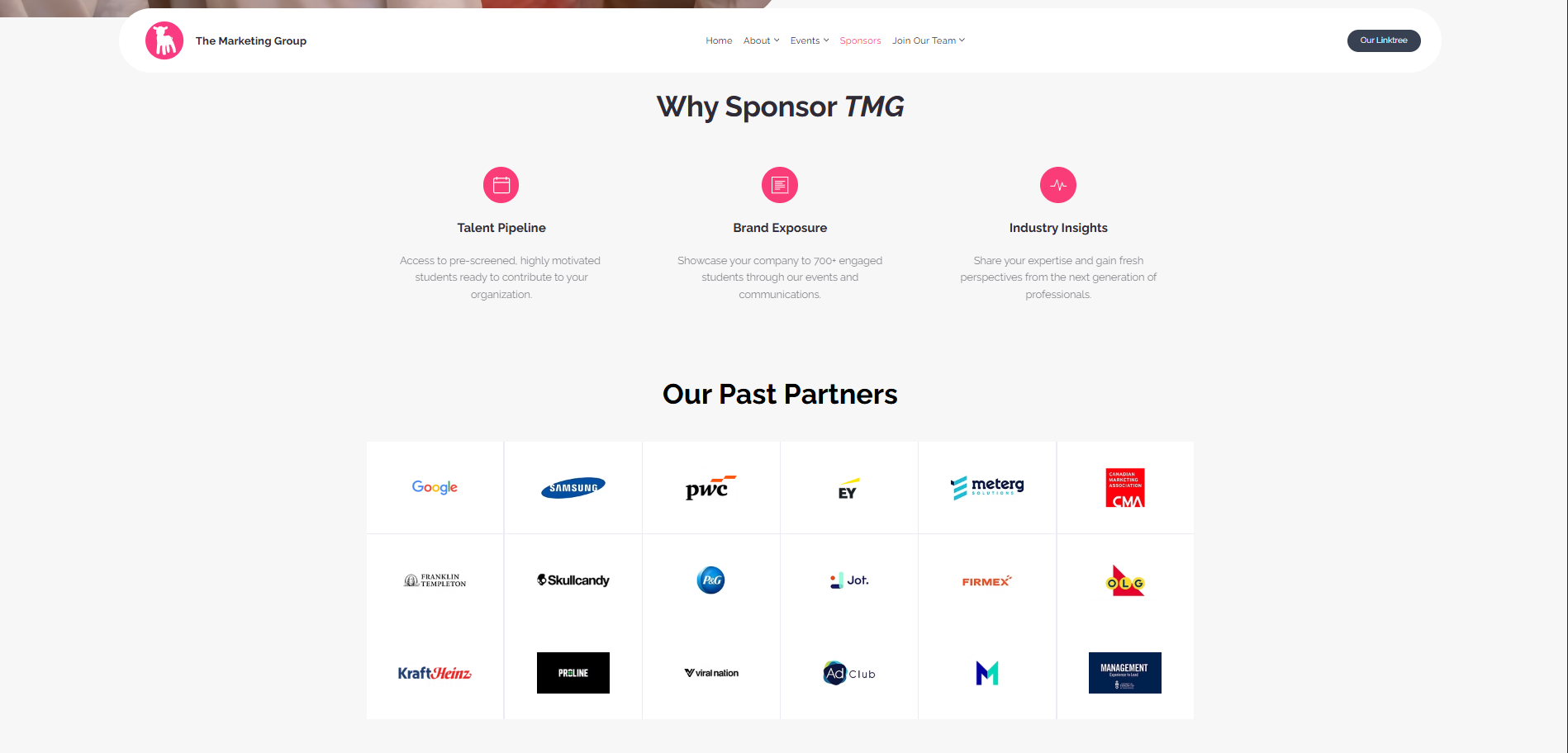
Top-level navigation separates About, Events, Sponsors, and Join, reducing decision complexity for different user types.
Match the Real World
Copy and page paths match student goals: discover events, understand the team, follow TMG, sponsor, or apply.
User Control
Persistent navigation, footer links, and repeated CTAs give users multiple ways to continue or recover.
Mobile-First
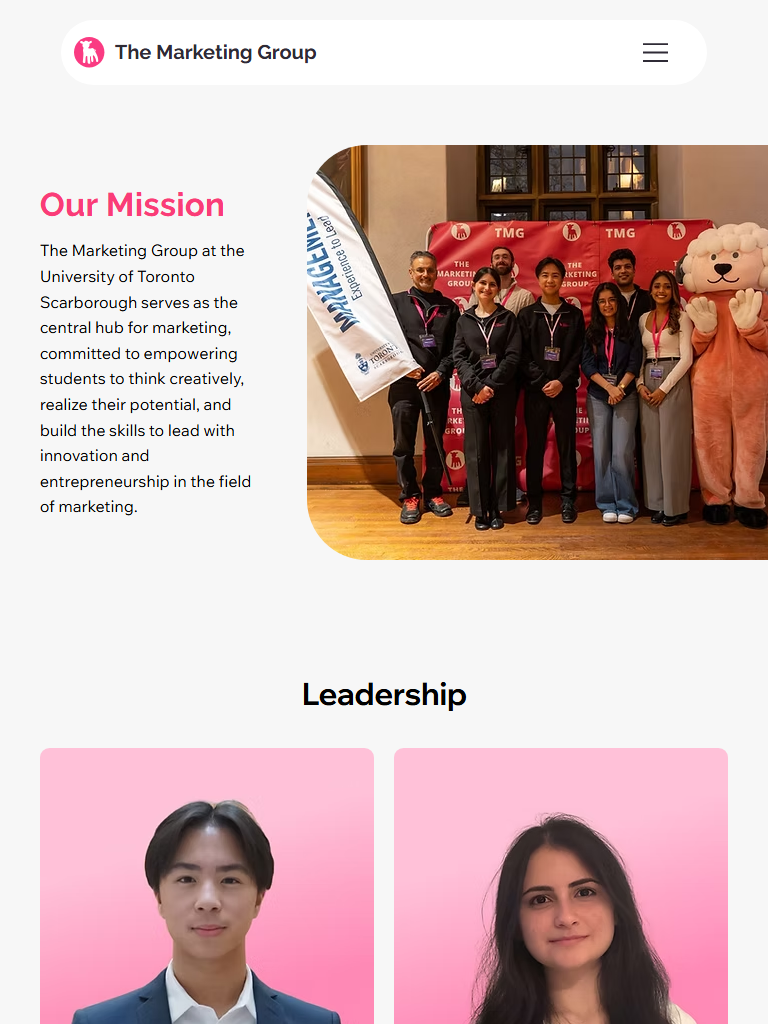
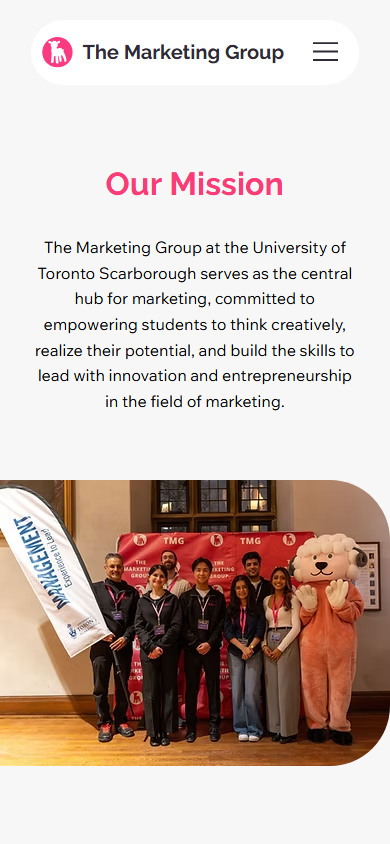
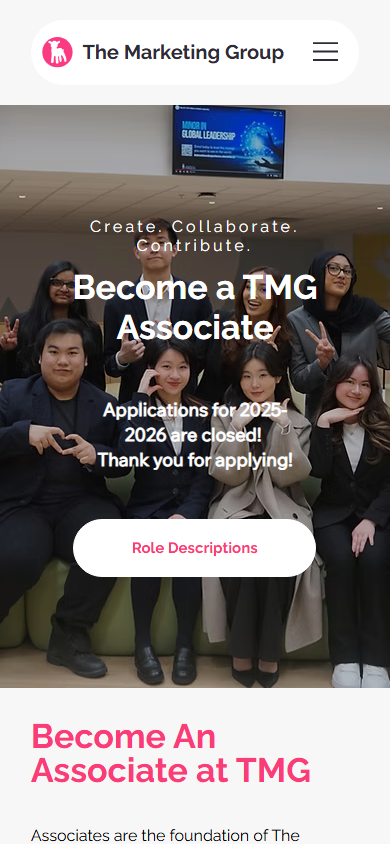
The layout collapses into clear single-column flows so key information stays readable on student phone screens.
Problem: unclear next action
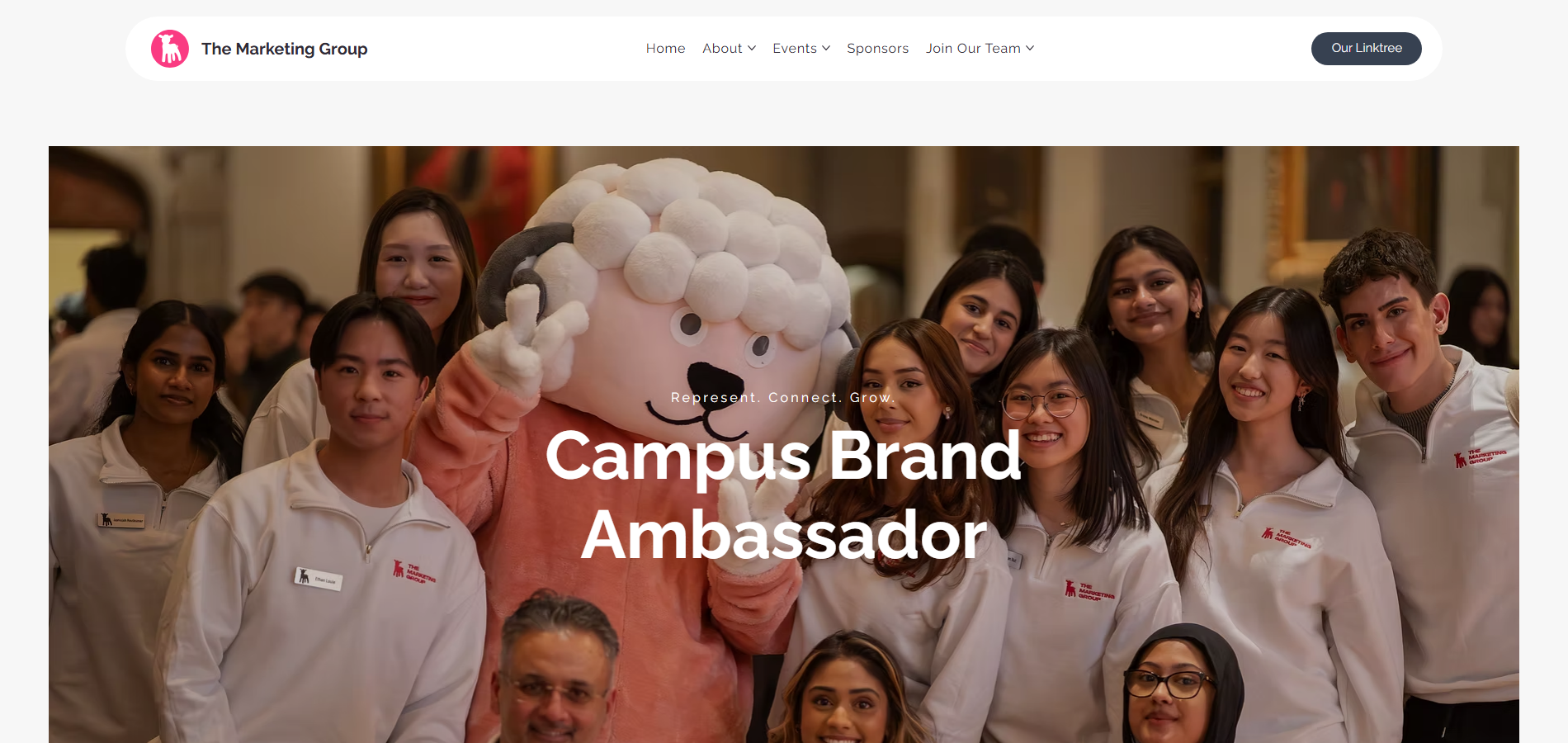
Solution: visible hero CTAs, repeated event CTAs, sponsor CTA, and Join Our Team route.
Problem: weak mobile journey
Solution: compact mobile header, stacked sections, readable copy, and phone-friendly buttons.
Problem: shallow navigation
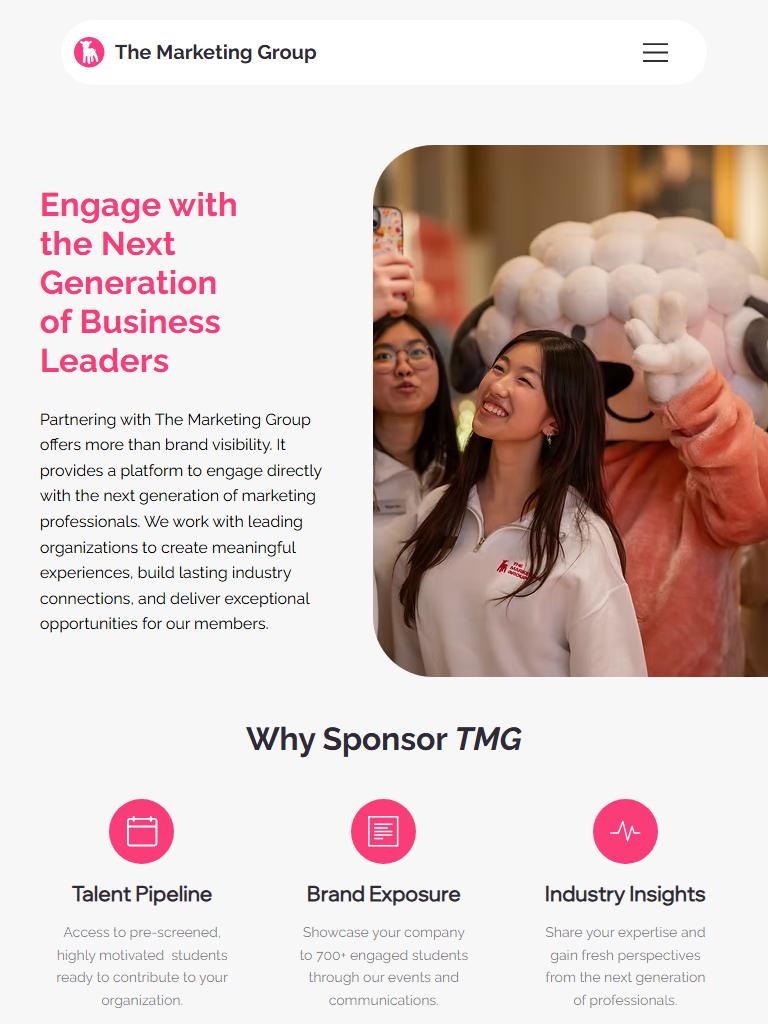
Solution: audience-based information architecture (IA) for students, event attendees, applicants, sponsors, and social visitors.
Problem: high cognitive load
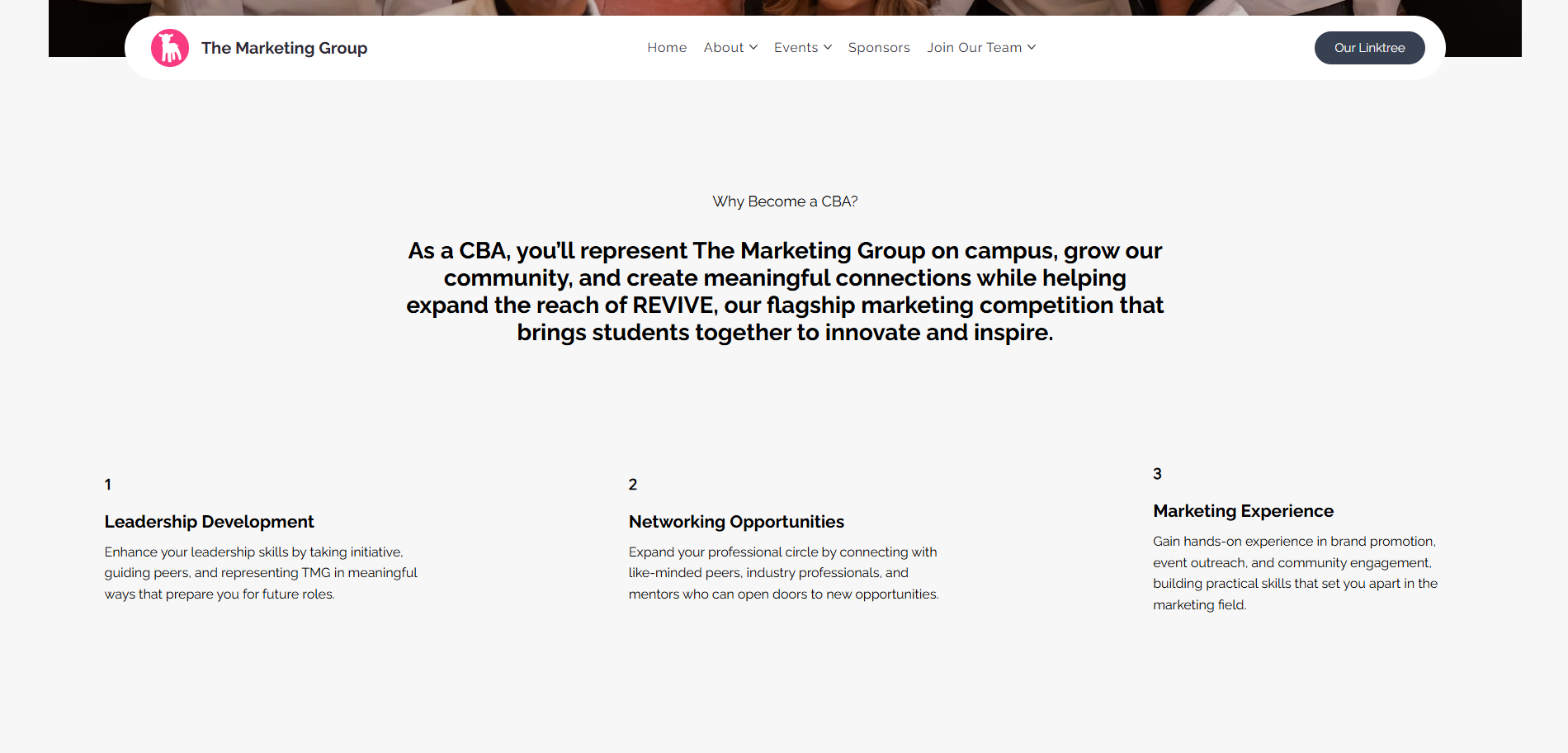
Solution: consistent cards, clearer section headings, smaller content chunks, and grouped team roles.
Problem: limited credibility cues
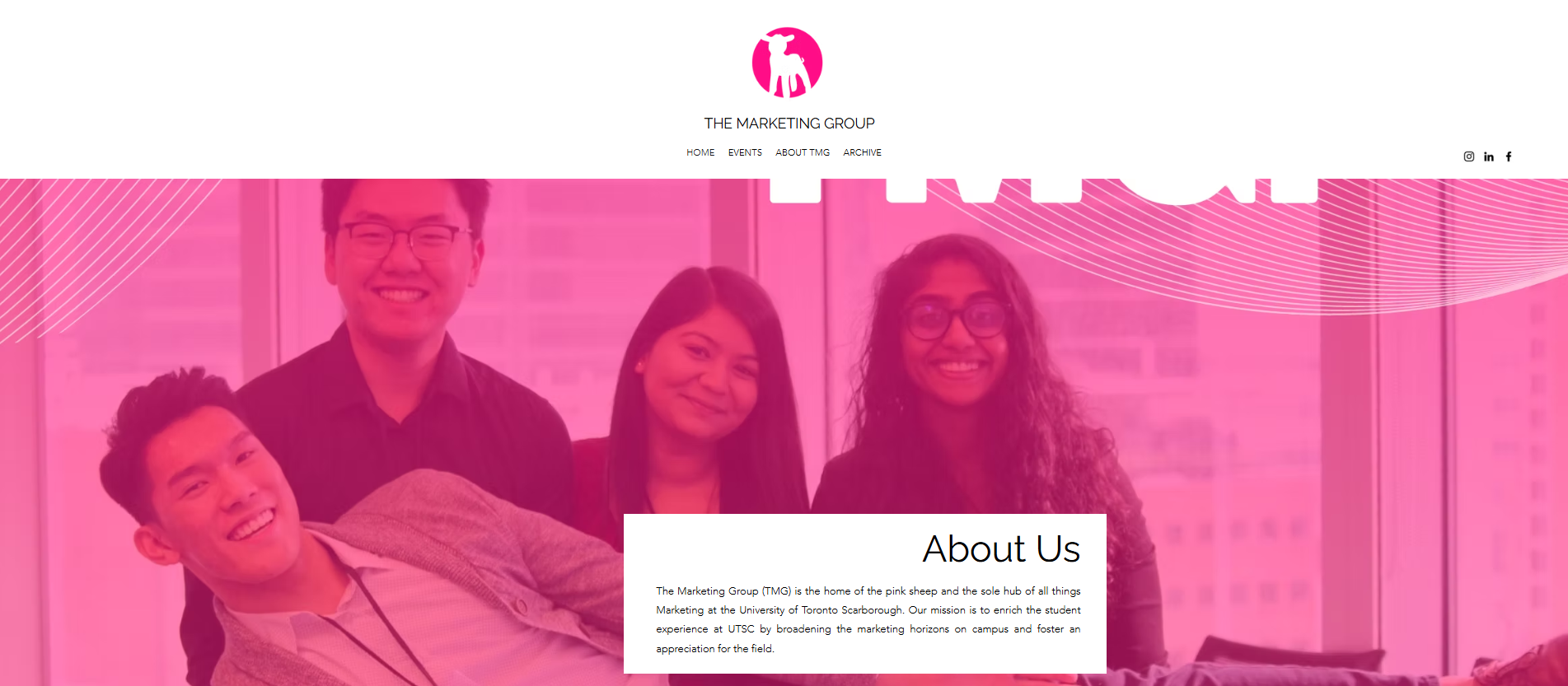
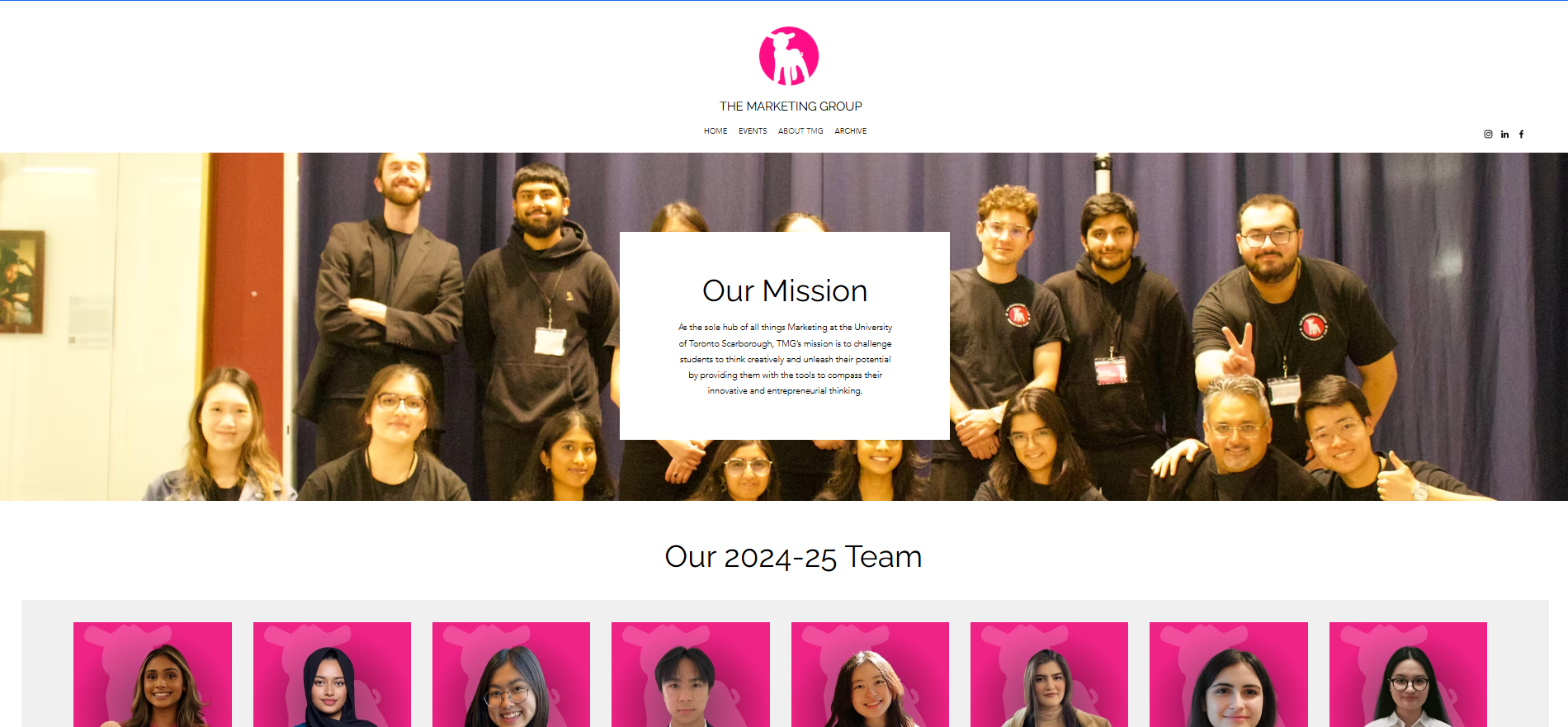
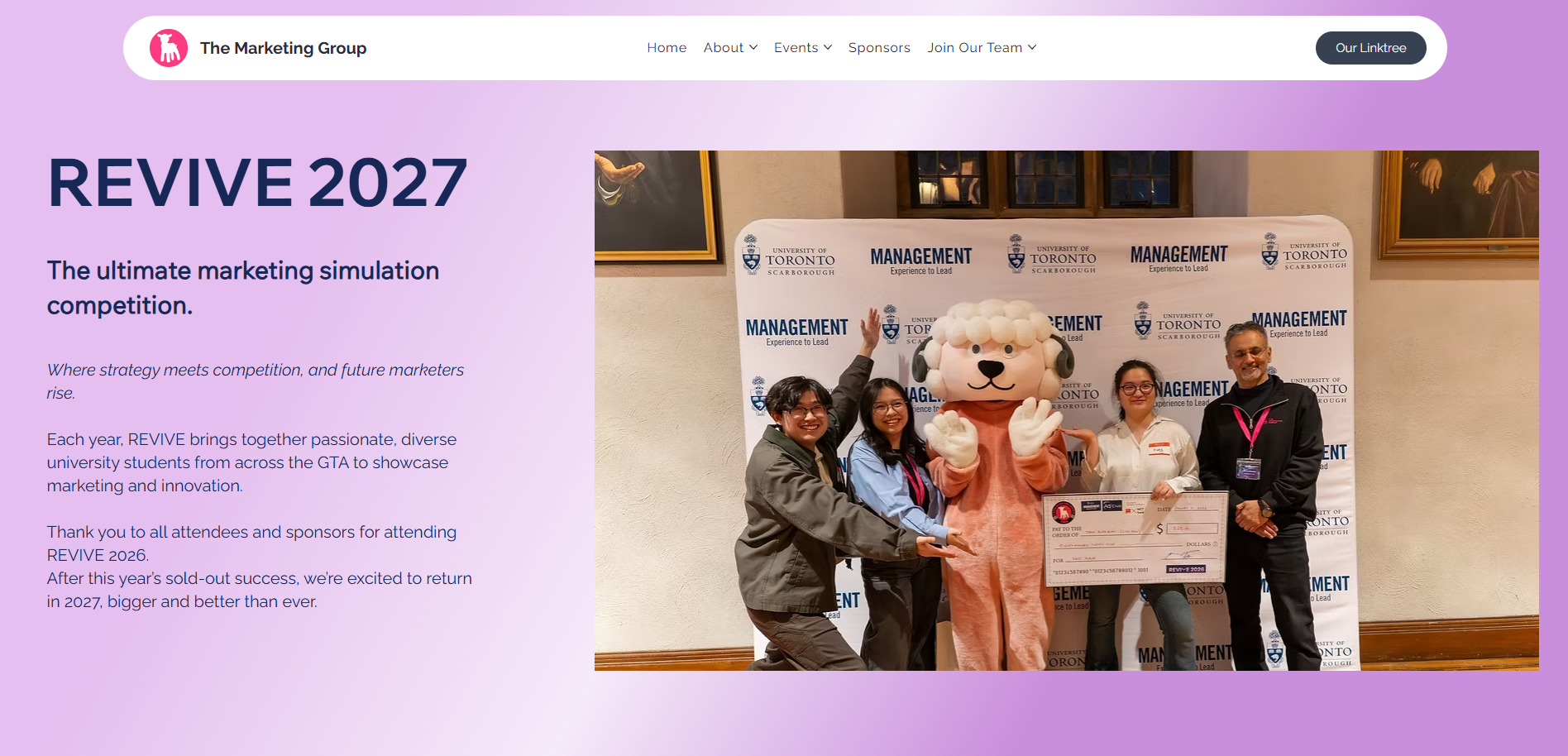
Solution: stronger photography, team visibility, sponsor pathway, event imagery, and consistent brand system.
Problem: poor scanning
Solution: stronger contrast, larger headings, predictable layout rhythm, and visual hierarchy.